
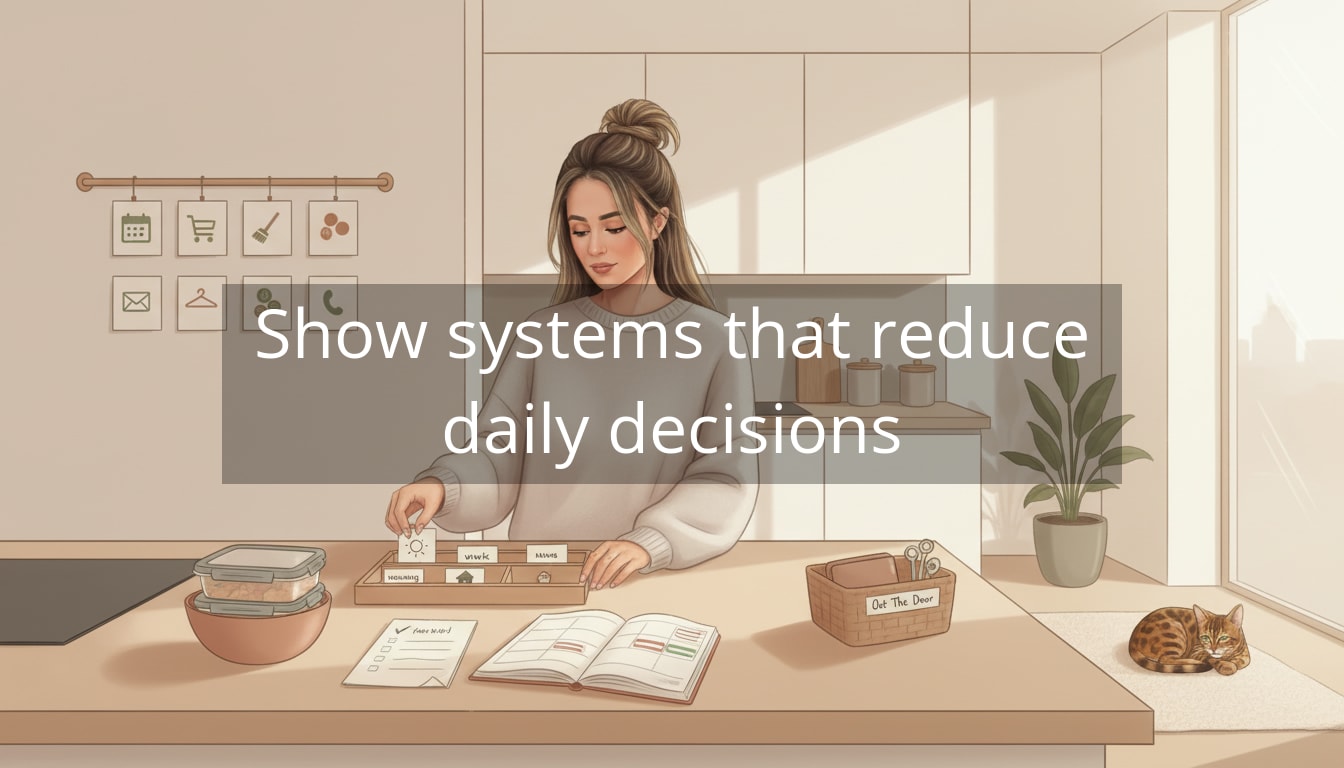
You know that moment when you’re already tired… and you haven’t even done anything yet? If you’ve been Googling how to reduce decision fatigue, it’s probably because your mornings start with 47 tiny choices—what to wear, what to eat, which email to answer first—and your brain hits “low battery” by lunchtime.
Decision fatigue is exactly what it sounds like: your mind gets worn down from making too many decisions in a row. Even low-stakes choices (oat milk or almond, reply now or later, workout or skip) pull from the same mental energy you need for bigger things—deep work, patience, creativity, or simply feeling like yourself. Modern life makes it worse because we’re surrounded by options and interruptions: notifications, open tabs, overflowing closets, and to-do lists that are more like vague “life arenas” than actual plans.

How to Reduce Decision Fatigue (Without Becoming a Robot)
The shift that helps most is this: stop treating every decision like it deserves a fresh debate. Calm people aren’t magically more disciplined—they’re often just running more defaults.
Clarity isn’t found in doing more. It’s found in deciding less.
Start by turning repeat decisions into simple systems. Think: fewer choices, more structure, less negotiating with yourself.
Here are a few easy wins that don’t require a personality transplant:
- Pick defaults for your basics. Choose two breakfasts and two lunches you genuinely like and rotate them on autopilot. (If you love variety, save it for dinners or weekends.) Put them in a note called “Default Meals” so you’re not reinventing food daily.
- Create a “daily uniform” you actually enjoy. This doesn’t mean wearing the same outfit—it means narrowing your go-to silhouettes (e.g., black trousers + knit top + white sneakers). Bonus: choose outfits the night before when you’re not rushed.
- Use a Decision Parking Lot. Keep a running list for non-urgent choices—purchases, admin tasks, “should I switch gyms?” thoughts. Store it in Notes or Notion, and review it once a week instead of letting it ping your brain all day.
Once these defaults are in place, you’ll notice something subtle but powerful: your day starts to feel less like a quiz—and more like a flow.
How to Reduce Decision Fatigue at Work (Without Letting Your Inbox Run Your Life)
Once your basics are on autopilot, the next biggest decision-drain tends to be work—specifically the constant micro-choosing: which tab, which task, which reply, which “quick thing” that turns into a 40-minute detour.
The goal isn’t to become rigid. It’s to stop spending prime brainpower on decisions that aren’t worthy of it.
Set “office hours” for messages
If your day is shaped by other people’s pings, you’ll feel mentally behind before you even start. Try giving messages a container.
-
Pick two message windows (for example: 11:30 and 4:00). Outside those windows, keep email and chat closed if your job allows.
-
Create a tiny sorting rule when you do check: “Reply, Delegate, Defer.” If it’s not one of those, it’s usually not actionable yet—archive it or park it.
-
Use a “Replies” note for anything that needs thought. Copy the key points and answer it during your message window instead of carrying it around in your head.
Real-life example: you open Slack “just to check something,” see three requests, feel mildly panicky, then spend 25 minutes context-switching. Message windows interrupt that pattern. You still respond—just on purpose.
Start your day with a “first decision” you never have to make
Many of us lose momentum because the first 20 minutes are spent deciding what to do first. A simple fix: choose a default “opening move.”
-
If you manage projects: open your task list, pick the one deliverable that moves something forward, work on it for 25 minutes before checking messages.
-
If you’re in meetings all day: spend 10 minutes scanning your calendar and writing three bullet points: “What matters today / What can wait / What would make today feel successful.”
-
If you’re juggling work + home: do one stabilizing action first (start laundry, unload dishwasher, pack lunch) so you’re not mentally negotiating it all day.
The point is to protect early-day clarity—the time when decisions feel easiest—so later you’re not making big choices on an empty tank.
Simple Rules That Quiet the “Should I?” Spiral
Decision fatigue often disguises itself as constant low-grade debate: Should I take on this extra task? Should I buy the thing? Should I go to the workout class? Should I cancel? Rules help because they remove the need to renegotiate every time.
Use a few “if-then” rules
Pick two or three that match your actual life (not your fantasy life). Here are some that work well for busy women:
-
If it takes under 2 minutes, then do it now. Otherwise, add it to a list.
-
If I’m invited to something on a weeknight, then I only say yes if it’s a “full yes” and tomorrow morning is light.
-
If I’m thinking about buying something non-essential, then it goes in my Decision Parking Lot for 7 days.
-
If I don’t know what to eat, then I choose from my Default Meals note.
These rules aren’t about discipline. They’re about protecting your attention from constant re-litigation.
Put time limits on “good enough” decisions
Some choices expand to fill whatever space you give them—especially things like booking travel, choosing a gift, picking a new skincare product, or deciding on a sofa color.
-
Give small decisions 10 minutes (timer on). Choose the best option you can in that time and move on.
-
Give medium decisions one focused session (30–45 minutes), then decide or pick the top two and sleep on it.
-
Save big decisions for high-energy windows (often mid-morning), not late-night scrolling.
This is especially helpful if you’re prone to “research spirals” that feel productive but leave you weirdly depleted.
Tools That Reduce Decisions Without Adding More Work
The best tools are the ones that quietly remove friction. If a tool requires a lot of setup and maintenance, it can become another source of mental load. Keep it simple and supportive.
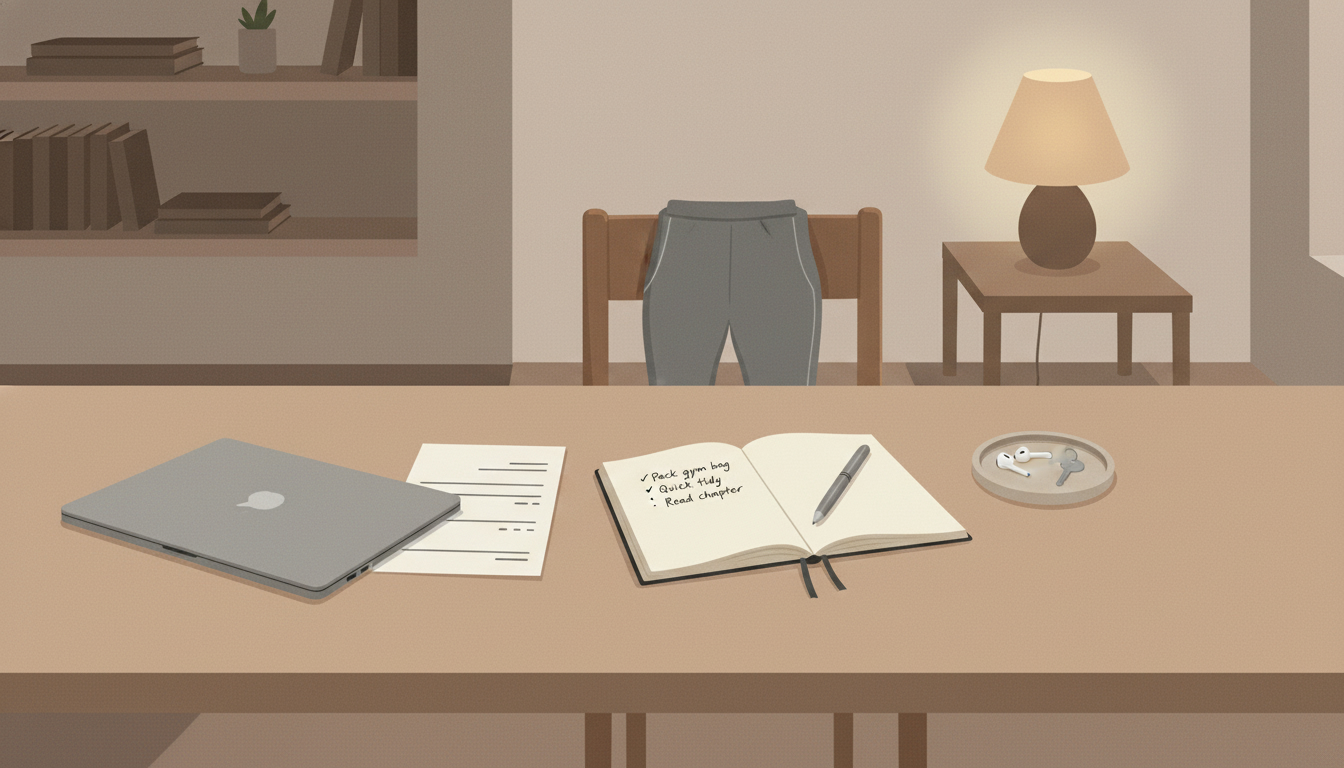
Try one checklist that ends your day cleanly
A shutdown checklist is the adult version of closing all the kitchen cabinets before bed. It signals to your brain: we’re done for now.
-
Write tomorrow’s top 1–3 priorities
-
Capture loose tasks into one place (not three apps)
-
Clear your desk surface (even just the center)
-
Close tabs you don’t need tomorrow
-
Set out one “easy win” for the morning (notes open, gym clothes ready, document pulled up)
When you do this consistently, mornings stop feeling like a scavenger hunt.
Let automation handle the truly boring stuff
If it’s predictable and recurring, it’s a great candidate for autopilot:
-
Auto-pay bills and subscriptions you’re keeping
-
Calendar reminders for recurring life admin (renters insurance renewal, dentist booking, car service)
-
Phone “Do Not Disturb” schedules for focus blocks and sleep
Small automations don’t just save time—they save the mental effort of remembering, deciding, and worrying.
Use your calendar as a decision-reducer, not just a meeting holder
A calendar can be a kindness to your future self when you treat it like a planning tool, not a record of obligations.
-
Block a weekly “choices hour” (30–60 minutes) to review your Decision Parking Lot, handle admin, and decide what you’re keeping or dropping.
-
Color-code categories (work, health, social, home) so you can see imbalance instantly without thinking hard about it.
-
Schedule recovery (walk, quiet time, buffer between meetings). Decision fatigue hits harder when you never reset.
If your schedule is wall-to-wall, your brain becomes wall-to-wall too.
You don’t need more willpower—you need fewer moments that require it.
Make It Stick: A Gentle Weekly Reset That Reduces Mental Load
The trick with learning how to reduce decision fatigue isn’t finding the perfect system—it’s creating a rhythm that keeps your systems alive with minimal effort.
Try a 30–45 minute weekly reset (pick a day that’s realistic, not aspirational):
-
Meals: choose 2–3 simple dinners and restock basics
-
Clothes: glance at the week’s weather and set aside 2–3 go-to outfits
-
Schedule: identify the tight days and add buffers where you can
-
Decisions: review your Parking Lot and decide the next step (buy / don’t buy / wait / research on a set day)
-
One improvement: pick one small friction point to smooth (unsubscribe, move a charger, set a reminder, prep a template)
This isn’t meant to be another “life admin performance.” It’s a quick reset that makes the rest of the week feel quieter.
Additional resources (if you want extra support)
If you’d like more ideas and guided tools, here are a few resource types that can help you build calmer defaults:
-
A simple weekly reset checklist you can reuse
-
A “default meals” template (breakfasts/lunches/dinners) to keep in Notes
-
A decision parking lot prompt list (what to capture, how to review)
-
Short videos on setting boundaries with notifications and message windows
Closing Thoughts: Calm Isn’t an Achievement—It’s a Setup
If your brain feels tired all the time, it’s not a personal flaw. It’s often a sign you’re making too many small decisions in too many places, with too little structure protecting you.
The most calming change you can make is also the simplest: choose a few defaults, create a couple of rules, and give your decisions a home (instead of letting them live in your head). Over time, you’ll notice you’re not just getting more done—you’re feeling more like yourself while you do it.
Start with one system this week. Let it earn your trust. Calm living doesn’t come from trying harder. It comes from building smarter supports that carry you when life is full.
Telegram Galelar
Instagram @galelar_lis
YouTube @galelar
TikTok @galelar_lis