

You can Google time management tips all day and still end the week wondering where your hours went. It’s not because you’re lazy or “bad at planning”—it’s because modern life is designed to splinter your attention.
Between Slack pings, voice notes you need to answer, errands that somehow require three apps, and a brain that keeps replaying “don’t forget to…” on loop, your day turns into a thousand micro-decisions. The sneaky part is that the overload isn’t just the amount of work—it’s the constant switching. Every time you bounce from email to a task to a message and back again, you pay a focus tax. Add in vague priorities (“I should really work on that project”) and fuzzy boundaries (work bleeding into your evening), and it makes perfect sense that you feel behind even when you’ve been busy.
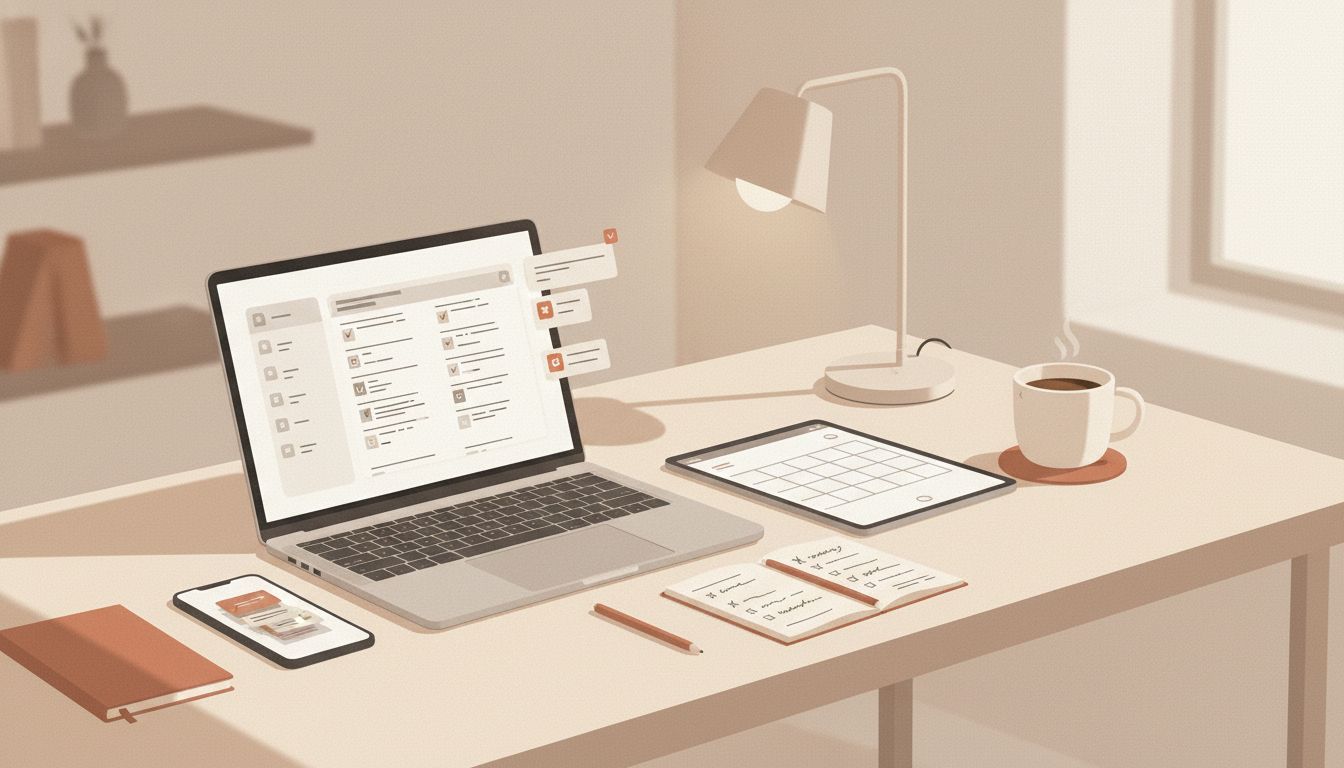
Time Management Tips That Actually Reduce Mental Load
Here’s the mindset shift that changes everything: instead of trying to remember more, build a system you can trust. A real time management system isn’t a prettier to-do list—it’s a way to capture what’s in your head, decide what matters, and give today a shape that your nervous system can relax into.
“Clarity isn’t found in doing more—it’s created by deciding what belongs.”
A simple place to start is the “capture habit”: keep one trusted inbox for every task, idea, or request the moment it shows up. That could be a Notes app, Todoist, Microsoft To Do, or a paper notebook—what matters is that you stop using your brain as a sticky note.
Then add one tiny daily rhythm: a 5-minute end-of-day check-in. Look at what you captured, choose tomorrow’s top three, and park everything else where it belongs. If you like structure, try time blocking by reserving even one protected block (30–60 minutes) for your real priority before messages take over. If focus is your issue, a Pomodoro timer in Toggl Track or Clockify can help you stay with one thing long enough to make progress.
Once you have a reliable capture point and a simple daily reset, you’ll start noticing something subtle: your time doesn’t just feel “managed”—it feels calmer and more intentional.
Time Management Tips for Choosing a System You’ll Actually Stick With
The goal isn’t to build the most impressive routine. It’s to build something you’ll follow on a normal Tuesday—when you’re slightly tired, your calendar is full, and life keeps interrupting.
If you’re unsure where to start, pick your “primary” system based on what’s currently stressing you out most:
- If your brain feels noisy: go with a simple GTD-style capture + clarify routine.
- If you can’t stay focused: use Pomodoro to reduce the “I’ll just check one thing” spiral.
- If your days disappear into meetings and messages: time blocking gives your priorities a protected home.
- If you have lots of moving pieces: a Kanban board keeps work visible without living in your head.
Then make it small enough to succeed. You’re not committing to a personality change—you’re choosing a container for your attention.
A simple “one-system” starter plan (that doesn’t take over your life)
Try this for the next 7 days:
- One inbox: tasks only go in one place (Notes app, Todoist, Microsoft To Do, or paper).
- One daily reset: 5 minutes to pick tomorrow’s top three and clear loose ends.
- One focus block: 30–60 minutes for your real priority before you fully open the communication floodgates.
- One rule: if it’s not in the system, it doesn’t get to haunt you.
This alone can reduce the “I’m forgetting something” feeling that drains you more than the work itself.
Make Time Blocking Gentle (Not a Rigid Schedule You’ll Rebel Against)
Time blocking gets a bad reputation because people use it like a punishment: every minute planned, no room for being human. The version that works is softer—more like giving your day a shape.
Start with three kinds of blocks:
- Focus block: the task that moves your life forward (even if it’s just one small step).
- Admin block: email, forms, scheduling, quick replies—so it doesn’t leak into everything.
- Life block: errands, workouts, cooking, friend catch-ups—real life deserves space too.
Example (a realistic weekday):
- 9:00–10:00 Focus block: draft proposal (phone on Do Not Disturb)
- 10:00–10:30 Admin block: email + Slack replies
- 12:00–12:30 Life block: walk + lunch reset
- 3:30–4:00 Admin block: calendar + follow-ups
- 4:00–4:30 “Close the loop” block: capture + choose tomorrow’s top three
Notice what’s missing: the expectation that you’ll stay perfectly on track. Time blocks are guides. If your day gets bumped (it will), you’re not failing—you’re simply reassigning blocks.

The “buffer rule” that prevents time blocking from collapsing
If you want time blocking to feel calm, add breathing room on purpose:
- Keep 10–15% of your workday unassigned for the truly unavoidable surprises.
- Use 15-minute “landing pads” between intense tasks when you can.
- Write the next tiny action inside each block (so you don’t waste the first 10 minutes deciding what “work on project” means).
This is how your plan becomes something you can trust, not another standard you feel behind on.
When Focus Is the Problem: Pomodoro + “Friction Removal”
Sometimes you don’t need more planning—you need an on-ramp. Pomodoro works because it lowers the emotional commitment. You’re not promising hours of brilliance. You’re doing 25 minutes.
To make it effective (and not just another timer you ignore), pair it with friction removal:
- Before you start: open only what you need (one doc, one tab).
- Make distraction inconvenient: phone in another room or in a drawer during the sprint.
- Keep a “not now” list: when your brain blurts “reply to Sarah,” write it down—don’t follow it.
If you like tracking, tools like Toggl Track or Clockify can be helpful—not because you need to optimize your life, but because seeing where time goes can gently correct the “I did nothing today” narrative.
A realistic Pomodoro plan for a draining day
- Pomodoro #1: easiest next action (momentum matters)
- Pomodoro #2: the real task you’ve been avoiding
- Break: water, stretch, stare out the window (seriously)
- Pomodoro #3: admin cleanup (messages, scheduling)
On days when your energy is low, this is often enough to feel like you’re steering again.
Use a Weekly Reset to Stop Replanning Your Life Every Morning
The reason mornings can feel chaotic is because you’re trying to both remember your life and run your life at the same time. A weekly reset is where you do the remembering once, so weekdays can be simpler.
Keep it short—20 to 30 minutes is plenty:
- Scan your calendar: appointments, deadlines, any heavy days that need lighter expectations.
- Review your inbox list: move tasks into categories (work, home, life admin).
- Pick 1–3 priorities for the week: not 12. You’re choosing the “headline,” not narrating every detail.
- Pre-decide two easy wins: small tasks that reduce background stress (refill prescription, schedule dentist, order the thing).
This is where your system becomes trustworthy. You don’t have to “hold” everything in your mind because you know you’ll look at it again—on purpose.
You don’t need more time—you need fewer open loops stealing the time you already have.
Tools That Support Calm (Without Creating More Admin)
Tools should reduce mental load, not become a second job. If you’ve ever spent an hour tweaking a planner layout instead of doing the thing… you’re not alone. A simple rule helps: choose tools that match your natural behavior.
- If you live in your calendar: use time blocking directly in Google Calendar or Outlook.
- If you think in lists: Todoist or Microsoft To Do are clean and quick.
- If you think visually: Trello works well for a light Kanban board.
- If you want awareness of time (not obsession): try Clockify or Toggl Track for basic tracking.
And if you’re tempted to add five new apps, try this instead: keep your current tools, and only change one behavior (capture, reset, or focus block). Systems work when they’re lived, not when they’re perfect.
A “calm default” setup you can copy today
- Calendar for time-specific commitments + one daily focus block
- One task inbox for everything else
- A weekly reset to prevent task pileups
That’s it. Simple can be extremely effective.
Extra Resources (When You Want a Little More Support)
If you’d like more help setting up your system, there are plenty of additional resources available. A few options to look for:
- Guided videos on time blocking and building a weekly reset
- Printable “top three” daily planning sheets for a low-tech routine
- Pomodoro playlists and focus timers you can keep bookmarked
- Simple GTD-style checklists for capture, clarify, and review
A Calm Ending: Your Time Can Feel Like Yours Again
The most helpful time management tips aren’t about squeezing more out of you. They’re about building a system that holds life steady—so your mind isn’t carrying everything at once.
Start small: one inbox, one daily reset, one focus block. Let your system earn your trust. And when a week goes off the rails (because it will sometimes), you don’t need to start over—you just return to the basics.
You’re not trying to become a different person. You’re creating calmer routines and smarter systems so your days feel more intentional, your evenings feel more like yours, and your mental load gets lighter over time.
Telegram Galelar
Instagram @galelar_lis
YouTube @galelar
TikTok @galelar_lis