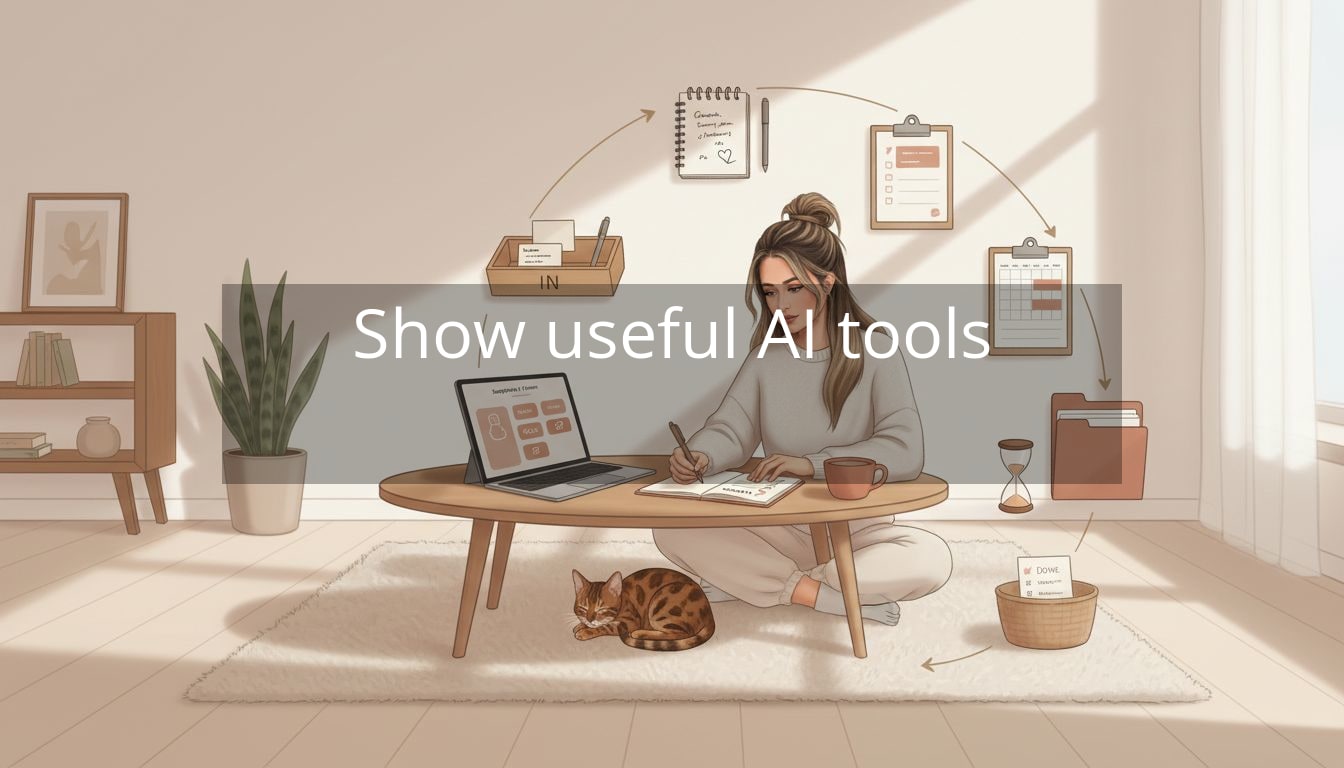
Your brain doesn’t need another app — it needs fewer open loops. AI tools for productivity can help, but only if they’re not just layered on top of your already-chaotic system. Because right now, the problem probably isn’t that you’re lazy or “bad at time management.” It’s that modern work creates a constant low-grade emergency.
Think about a normal Tuesday: you’re answering Slack messages while half-reading an email thread, trying to remember what you meant to do after that meeting, and watching your calendar fill up with things you didn’t choose. You’re moving all day… yet nothing feels fully finished. That’s not a motivation issue. That’s context-switching and decision fatigue — the mental tax of constantly re-orienting yourself.

Most productivity tools unintentionally add to this. They expect you to keep everything updated manually, build the “perfect” system upfront, and maintain it even when your life changes (which it will, weekly). You end up managing the tool instead of the tool managing the noise.
The mindset shift: use AI to reduce maintenance, not to increase your output. Good ai tools for productivity act like a calm assistant inside the platforms you already live in, handling repeatable admin so your attention stays protected.
Clarity isn’t found by doing more—it’s created by removing what doesn’t matter.
A simple place to start is choosing integration-first tools. If you’re already in Google Workspace or Microsoft 365, tools like Google Gemini (for Gmail/Docs) or Microsoft Copilot (for Outlook/Word/Excel) can summarize threads, draft responses, and pull key action items without you jumping between apps.
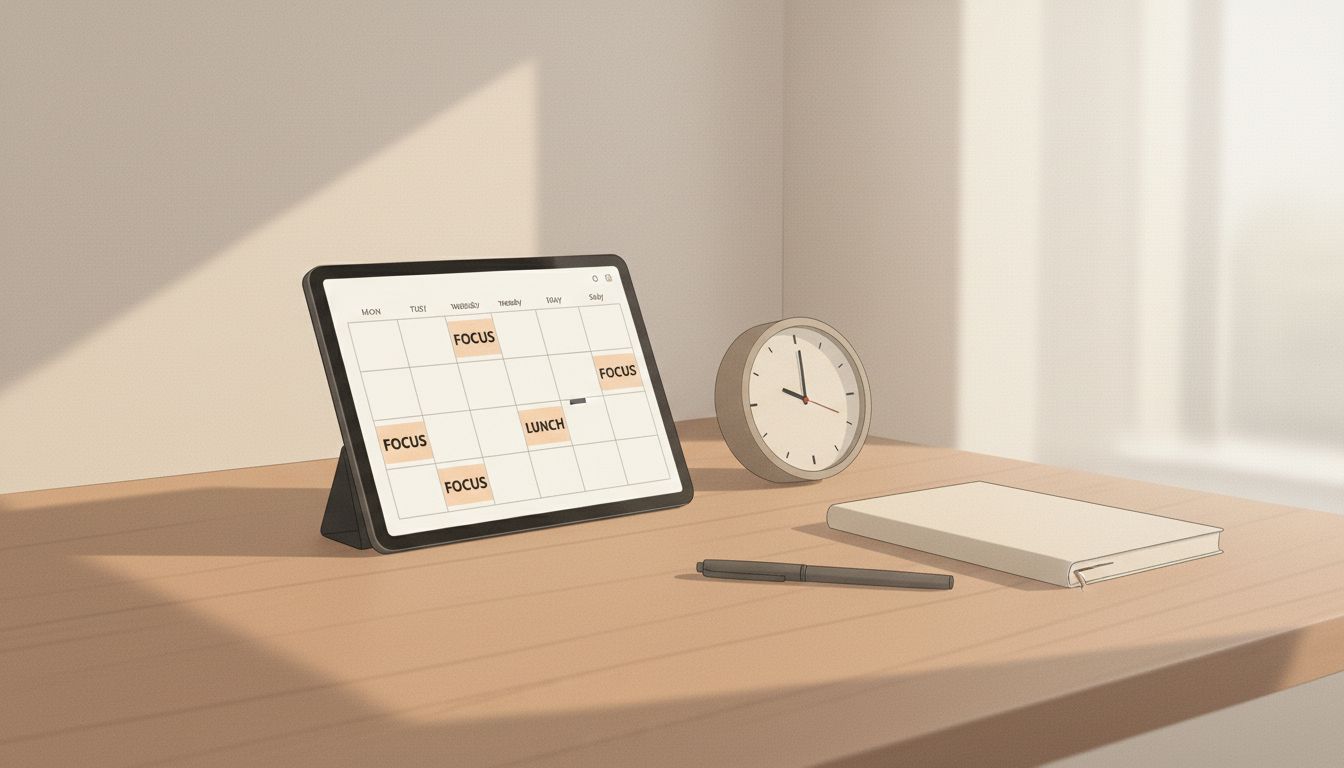
Next, reclaim your calendar before it steamrolls your week. Tools like Reclaim AI or Clockwise can automatically block focus time, protect lunch, and reshuffle flexible meetings—so your day stops feeling like a game of Tetris you keep losing.
If your biggest stress point is “I don’t even know what to do first,” try letting Notion AI or Asana turn a messy brain-dump into an actual plan—projects, steps, and next actions you can see at a glance… which is where real calm starts to show up.
Now, the key is making those tools feel like a quiet support system—not another tab you have to babysit.
AI tools for productivity work best when they “catch” information for you
If you’re constantly re-typing tasks you already said out loud in meetings or repeating the same context in three places, it’s not because you’re disorganized. It’s because your work is happening faster than your systems can capture it.
The most calming use of ai tools for productivity is letting them do the first-pass organizing—so you’re only making a few clear decisions instead of hundreds of tiny ones.
A simple “one-capture, one-home” rule
Pick:
- One place to capture quick inputs (a note app, a chat with yourself, a single inbox, a voice note)
- One place where tasks live (Notion, Asana, Todoist, even a Google Doc if that’s your reality right now)
Then use AI as the bridge between the two. Your job is to get the thought out of your head. The tool’s job is to turn it into something usable.
Example you can try this week:
- You brain-dump messy notes after a meeting.
- You paste them into Notion AI or Asana and ask: “Turn this into action items, grouped by owner, with a suggested order.”
- You approve/edit in under two minutes—done.
You’re not “planning.” You’re closing loops.
Practical workflows that reduce mental load (without adding more apps)
1) Inbox triage that takes 10 minutes instead of 45
Email is sneaky because it turns you into a dispatcher for other people’s priorities. If you’re using Gemini for Gmail, Microsoft Copilot for Outlook, or an AI-first email client like Shortwave, try this approach:
- Step 1: Summarize first, then decide. Ask for a summary of long threads and “What do I need to do?”
- Step 2: Create three reply modes: quick yes/no, polite decline, or thoughtful response.
- Step 3: Let AI draft—then you edit. You keep your voice; it saves the energy.
Real-life scenario: you open a 17-message thread about a shifting deadline. Instead of reading every reply like it’s a mystery novel, you ask your AI assistant to pull out: the latest decision, what’s blocked, and what you’re responsible for. You respond once, clearly, and leave the thread instead of living in it all day.
2) Meeting notes that turn into tasks automatically
If meetings are where your clarity goes to die, meeting transcription and summaries can be a game-changer. Tools like Otter.ai, Zoom AI Companion (if available on your plan), or Slack AI can help produce recap notes and action items.
A calming system:
- Before the meeting: write one line: “What would make this meeting successful?”
- During: let the tool capture details so you can actually listen.
- After: ask: “List decisions, action items, and deadlines. Then draft a follow-up message.”
This is especially helpful if you’re the person who always ends up sending the recap because you’re the most organized (or the most anxious about things slipping).
3) A calendar that protects you from your own optimism
Reclaim AI and Clockwise are great for one specific reason: they aren’t impressed by your fantasy schedule.
Try these settings if your week keeps getting eaten alive:
- Default focus blocks: 60–90 minutes, a few times per week
- Protected lunch: not negotiable, even if it’s just 20 minutes away from your desk
- Rule for flexible meetings: “Not before 11am” (or whatever keeps your mornings sane)
- Buffer time: 10 minutes between meetings so you’re not sprinting into the next call already behind
Think of it as pre-deciding boundaries so you don’t have to renegotiate them every single day.
4) Use automation for admin you resent
If there’s a task you do over and over—copying info from one place to another, posting the same update in multiple channels, creating the same document structure—automation is where AI quietly becomes your favorite coworker.
Zapier can connect the tools you already use and handle repetitive handoffs. Start small and specific:
- When a form is filled out, create a task in Asana with the right template.
- When a new calendar event includes a keyword (“1:1”), generate a prep checklist in your notes app.
- When you star an email, send it to your task list with the subject line and due date prompt.
The goal isn’t to build a complicated “life dashboard.” It’s to remove the handful of tiny chores that keep stealing your attention.
The habit that makes AI feel supportive (not invasive)
Here’s the part nobody says out loud: AI is only calming if you stay in charge.
Use this quick weekly rhythm—15 minutes, once a week:
- Step 1: Brain-dump. Everything you’re holding in your head goes into one place.
- Step 2: Ask AI to sort it. “Group these into: urgent, important, waiting on, and someday.”
- Step 3: Choose your ‘Top 3’ for the week. Not 12. Three.
- Step 4: Put them on the calendar. If it matters, it deserves time—not just a task label.
This is how you stop treating your to-do list like a guilt document and start using it as a gentle map.
You don’t need more time—you need fewer demands on your attention.
A quick “choose-your-starting-point” guide
If you’re not sure where to begin, choose the area that currently creates the most background stress:
- If you dread email: start with Gemini for Gmail, Copilot for Outlook, or Shortwave and set up summaries + draft replies.
- If your calendar is chaos: start with Reclaim AI or Clockwise and protect focus blocks and lunch.
- If projects feel foggy: start with Notion AI or Asana to turn brain-dumps into structured next actions.
- If meetings drain you: start with Otter.ai (or your platform’s built-in AI notes) for recap + action items.
- If admin steals your afternoons: start with Zapier and automate a single repeatable handoff.
Pick one. Let it settle. You can always add another later—once your system proves it can stay simple.
Additional resources if you want extra support
If you’d like more guidance, there are plenty of helpful resources available—especially when you want to see setups and workflows in action:
- Tool help centers and templates (Notion, Asana, Zapier)
- YouTube walkthroughs for calendar automation (Reclaim AI, Clockwise)
- Short tutorials on inbox workflows (Gemini for Gmail, Copilot for Outlook, Shortwave)
- Meeting-note examples and formats (Otter.ai and Zoom documentation)
A calm ending: let the system hold the details
Your life is already full. You don’t need to “optimize” it—you need it to feel easier to live inside.
The best ai tools for productivity don’t turn you into a machine. They take the tiny, repetitive decisions off your plate so you can show up with more patience, more focus, and more room to think. Start with one friction point, set up one small support, and notice what it’s like to move through your day with fewer open loops tugging at your brain.
You’re not behind. You’re just carrying too much in your head—and you deserve systems that help you set it down.
Telegram Galelar
Instagram @galelar_lis
YouTube @galelar
TikTok @galelar_lis

Leave a Reply