
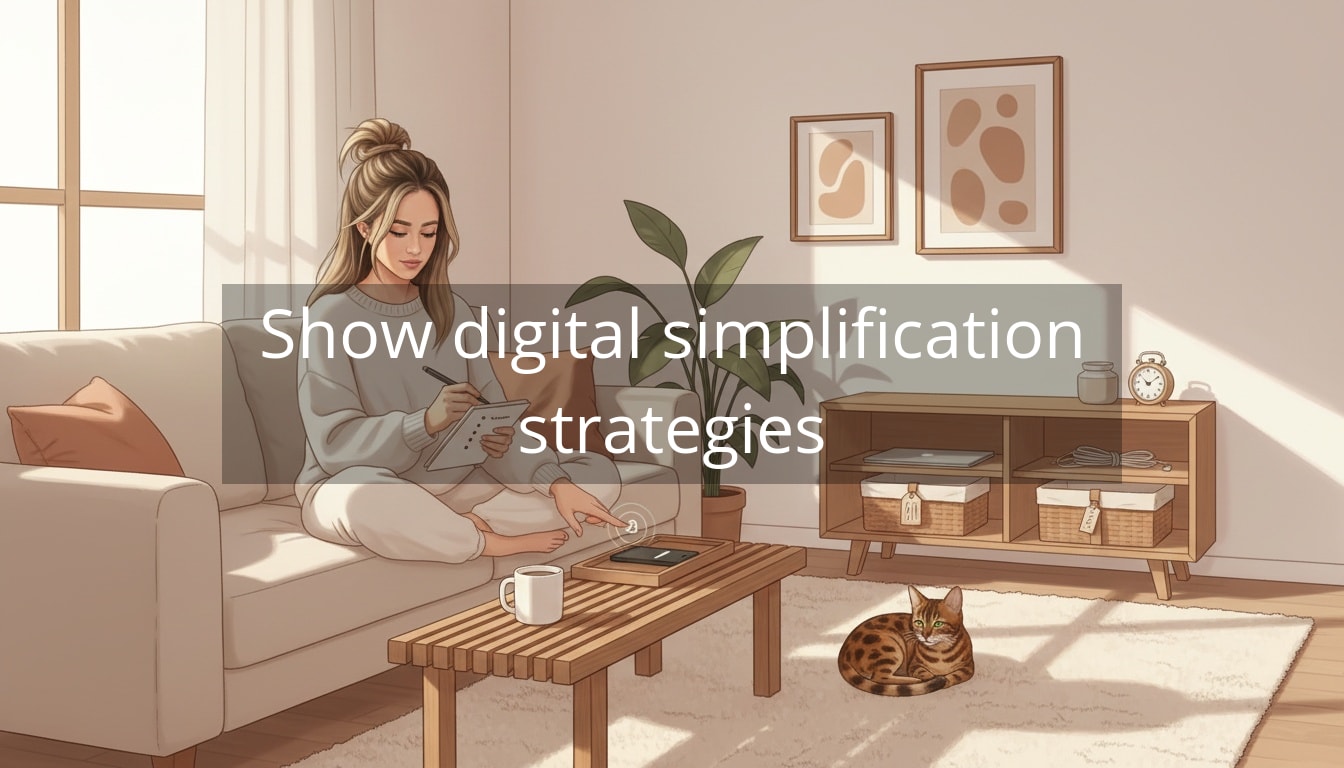
Your brain doesn’t need another app—it needs fewer interruptions. That’s why digital minimalism tips can feel like a tiny rebellion in a life where your phone, laptop, and inbox all expect you to be “on” at the same time. One minute you’re replying to a message, and the next you’re deep in a scroll you didn’t choose, with that slightly frazzled feeling lingering in your chest.
The tricky part is that this isn’t a personal failure. Digital life is engineered for frictionless engagement: badges, pings, infinite scroll, and “just checking” loops that keep your attention slightly split all day. Add in modern adult responsibilities—work tasks, family group chats, appointment reminders, online shopping, a calendar that never looks empty—and you get constant micro-decisions. Your mind never fully lands.

Digital Minimalism Tips: the mindset shift that changes everything
Digital minimalism isn’t about deleting everything and moving to a cabin. It’s more like curating your digital world the way you’d curate your home: keeping what genuinely supports your life, and quietly removing what creates clutter. The goal is simple: your devices should be useful tools, not the background noise of your day.
Clarity doesn’t come from doing more—it comes from removing what keeps pulling you away.
A helpful way to start is to stop thinking, “How do I use my phone less?” and instead ask, “What do I want my attention for?” When you know what you’re protecting—focus at work, calmer mornings, more present evenings—it becomes much easier to make small changes that actually stick.
Here are a few low-effort moves that create immediate breathing room:
- Turn off almost all notifications. Keep calls and messages from true VIPs (partner, kids, caregiver, etc.). Everything else can wait until you check it. On iPhone and Android, Notification settings + Focus/Do Not Disturb modes do most of the heavy lifting.
- Move social apps off your home screen (or off your phone entirely). If uninstalling feels dramatic, start with “friction”: tuck them into a folder on the last page so access becomes a choice, not a reflex.
- Create one daily “offline pocket.” Even 30 minutes—first thing in the morning, during lunch, or before bed—signals to your nervous system that you’re not required to respond to the world 24/7.
Once you feel that first drop in digital noise, you can start shaping a calmer default—one where you reach for your phone with intention, not autopilot.
Digital Minimalism Tips: build simple systems that keep you calm (even on busy days)
Once you’ve lowered the noise, the next step is making sure it doesn’t slowly creep back in. The secret isn’t willpower—it’s a few small systems that make “intentional” your default, even when you’re tired, stressed, or rushing between meetings and real life.
Set “check-in” windows (so your brain can stop scanning for updates)
A lot of mental overload doesn’t come from the messages themselves—it comes from the constant possibility of messages. Your brain stays slightly on alert, like it’s waiting for the next tap on the shoulder.
Try this instead: pick 2–4 times a day when you check the things that tend to multiply (email, Slack/Teams, social, news). Keep it realistic for your work and responsibilities—this isn’t about being unreachable, it’s about being less interrupted.
- Example schedule: 9:30am, 12:30pm, 3:30pm, 5:30pm
- Between windows: notifications off, inbox closed, tabs minimized
- If you’re worried about missing something urgent: keep calls/texts from your VIP list allowed through Focus mode
This one change can feel surprisingly soothing—like your attention finally has a place to land.
Create a “home screen that doesn’t tempt you”
Your home screen is basically your attention’s entryway. If it’s full of bright icons and social shortcuts, you’ll keep “accidentally” walking into rooms you didn’t mean to enter.
- Keep only utility apps on the first screen: maps, calendar, notes, camera, banking—tools that support real life
- Move everything else to a folder on the last page: yes, even the apps you like
- Remove widgets that pull you into content: news, social, “memories” prompts—anything that invites a detour
Think of it like leaving a bowl of fruit on the counter instead of a family-size bag of chips. Same kitchen, different default.
Make “phone-free” the easiest option in key moments
If your phone lives in your hand, it’s going to keep volunteering for attention. The gentlest fix is environmental: put your phone where it can’t casually interrupt you.
- Work focus: phone in a drawer or across the room (close enough for emergencies, far enough to break autopilot)
- Evenings: charge your phone outside your bedroom, or at least across the room
- Micro-breaks: keep a book, magazine, or even a crossword near the couch—something offline to reach for first
Real-life example: if you tend to scroll while you “rest,” try leaving your phone in the kitchen during your 20-minute decompression window. Your mind will still get a break, but you won’t come out of it feeling oddly buzzy.
Unsubscribe, unfollow, and clean up in one small monthly ritual
Digital clutter has the same effect as a messy drawer: it creates friction and low-grade irritation. You don’t need a full weekend overhaul—just a simple recurring reset.
- 10 minutes: unsubscribe from 5–10 email lists you never read
- 10 minutes: unfollow/mute accounts that reliably spike comparison, anxiety, or impulse buying
- 10 minutes: delete apps you haven’t used in 30 days (you can always reinstall)
Put it on your calendar like you would a quick life admin task. The payoff is that your digital world stays aligned with who you are now—not who you were two years ago when you downloaded that app “just in case.”
Try grayscale (especially if you’re a “just one minute” scroller)
Grayscale is one of those tweaks that sounds almost too simple—until you try it. Without bright colors and visual cues, your phone becomes less… delicious. You’ll still be able to do what you need, but the hypnotic pull tends to fade.
- Use it part-time: evenings only, weekends only, or during work hours
- Pair it with a Focus mode: “Work,” “Evening,” or “Rest” so your phone behaves differently depending on the time
If your brain likes stimulation (hi, same), this can be a surprisingly kind way to turn down the volume.
Be deliberately slower to respond (without being inconsiderate)
Instant replies can quietly train people—and your own nervous system—to expect immediate access to you. Digital minimalism isn’t about ignoring people. It’s about choosing response times that protect your focus and your relationships.
- Create a personal norm: “I check messages at lunch and after work.”
- Use short expectation-setters: “In a meeting—will reply this afternoon.”
- Save deep work: if you’re writing, analyzing, designing, or problem-solving, treat that time like it matters (because it does)
This is especially helpful if you’re the reliable one who everyone pings. You can be dependable and have boundaries. Those things actually support each other.

A simple “digital calm” routine you can copy
If you want something concrete, try this gentle routine for one week. It’s not strict—it’s just structured enough to reduce decision fatigue.
- Morning (first 30 minutes): no inbox, no social. Bathroom, water, get dressed, look at your calendar only if needed.
- Work blocks: notifications off + inbox closed unless you’re in a scheduled check-in window.
- Lunch: 10 minutes of “admin” (messages, quick replies), then a screen-free meal if you can.
- Evening: social apps off your home screen + phone charging away from the couch for the first hour you’re home.
- Before bed (last 30 minutes): low-light, no scrolling. Choose an offline wind-down (shower, reading, stretching, simple prep for tomorrow).
The goal is not perfection. The goal is fewer mental tab switches—and more moments where you feel like you’re actually living your day, not reacting to it.
You don’t need more time—you need fewer things competing for the time you already have.
Extra support if you want to go further
If you’re the kind of person who likes a little structure, it helps to have a few go-to resources you can return to when your digital life starts feeling “loud” again. Additional resources are available, including:
- Phone Focus mode templates (work, evening, weekend) you can copy and customize
- A monthly digital reset checklist (apps, subscriptions, photos, notifications)
- Guided routines for calmer mornings and less scroll-heavy evenings
- Simple boundary scripts for messages so you can respond kindly without being constantly on-call
Closing thoughts: calm is a system, not a personality trait
If your attention has felt scattered lately, it doesn’t mean you’re doing life wrong. It means you’re living in a world that’s extremely good at pulling you in ten directions at once.
The most effective digital minimalism tips aren’t dramatic—they’re quiet, repeatable choices that reduce mental load. A calmer home screen. Fewer notifications. Check-in windows. Small offline pockets. Tiny boundaries that protect your energy.
You’re allowed to design a digital life that supports you. The more you simplify the inputs, the more capacity you’ll have for the things that actually matter—your work, your relationships, your health, your creativity, and your peace.
Telegram Galelar
Instagram @galelar_lis
YouTube @galelar
TikTok @galelar_lis