
If you’ve ever booked a haircut on a wave of inspiration and panic-Googled “how long does it take bangs to grow out,” a virtual hairstyle try on might become your new calm-life essential. It’s one of those tiny, modern systems that quietly saves you from regret, decision fatigue, and that weird week of avoiding mirrors.
Because here’s the thing: hair is “just hair”… until it’s not. It sits on your face all day. It shows up in every Zoom square, every candid photo, every day you’re already doing a little too much. And when you’re managing work, projects, friendships, admin, appointments, groceries, and the emotional labor of being a functional adult, the last thing you need is a beauty choice that creates more mental noise.
The modern haircut problem isn’t vanity — it’s bandwidth
A haircut used to be a simple decision: shorten it, keep it, maybe add layers. Now it’s a whole micro-identity crisis. You’re not just choosing “bangs,” you’re choosing:
- whether you’ll realistically style them on a Tuesday morning
- whether they’ll behave in humidity (or after a workout, or after a long commute)
- whether they’ll make you feel polished… or like you’re wearing a costume
- whether you’ll spend the next month trying to “fix” it with heat tools and expensive products
And the internet doesn’t exactly help. Pinterest gives you perfect hair on people who don’t have your face shape, your texture, your cowlick, your hairline, or your reality. Instagram gives you angles, filters, and professional blowouts. Even when you save “reference photos,” you’re still doing a mental translation exercise: Will this work on me?
That translation is where the overload happens.
You’re already making a hundred decisions a day. By the time “hair” comes up, your brain is tired—so you either:
- impulsively commit (“Let’s do a chop!”), or
- overthink for weeks and still walk into the salon unsure.
Neither one feels calm.
Clarity isn’t about having fewer options—it’s about seeing your options clearly.

Why hair decisions hit harder when life is already full
A “bad haircut” is annoying, sure. But the sneaky cost is what it steals afterward: confidence, time, and ease.
- You fuss with it every morning, which turns getting ready into a negotiation.
- You avoid certain outfits because your hair doesn’t “match” the vibe.
- You put off photos, events, or even networking because you don’t feel like yourself.
- You keep thinking about it (which is, frankly, rude of a haircut).
And when you’re someone who runs your own schedule—work, side projects, maybe freelancing or managing a team—that low-grade self-consciousness can bleed into everything. It’s not dramatic. It’s just… draining.
This is exactly where a virtual hairstyle try on shines: it takes a high-stakes decision and turns it into a low-stakes preview.
The core idea: make hair changes a “previewable” decision
The system is simple: before you commit in the salon chair, you test-drive the idea on your actual face.
Not on a model. Not on someone with a completely different jawline and hair density. On you—your proportions, your features, your vibe.
A good virtual try-on (especially with today’s AI tools) gives you quick visual feedback on things you usually can’t predict until it’s too late, like:
- Does a bob make your face look sharper—or wider?
- Do curtain bangs balance your forehead—or overwhelm your eyes?
- Will layers add movement—or make your hair look thinner?
- Is that trendy cut “editorial cute” or “why did I do that” on your face?
It doesn’t have to be perfect to be useful. You’re not looking for a guaranteed outcome—you’re looking to remove the biggest unknowns so you can decide with a clear head.
And honestly? That’s the whole calm productivity angle: reducing avoidable uncertainty.
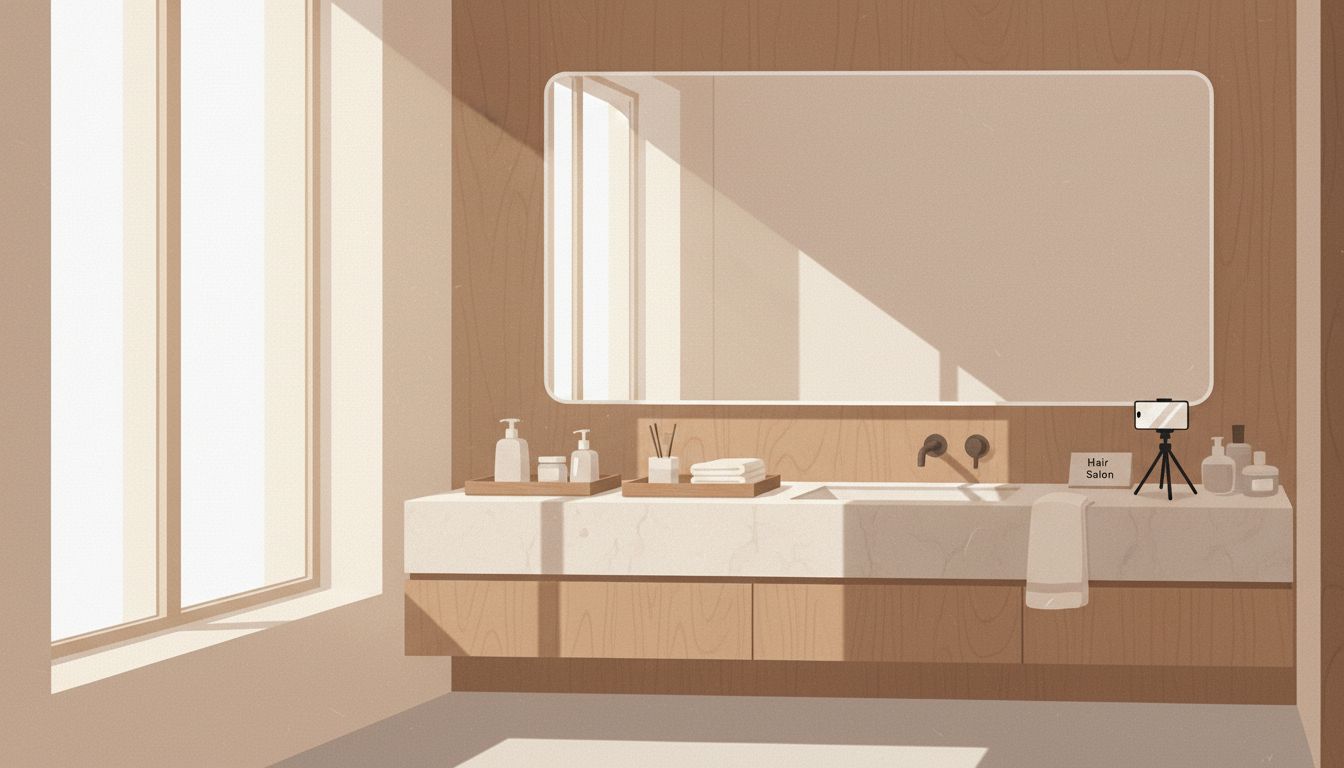
A small, repeatable system that replaces guessing
Here’s the “smart friend” way to use AI without turning it into a whole project.
Think of it like a mini ritual you do before booking (or at least before your appointment):
1) Take 3 photos you can reuse
You only need to do this once every few months.
- one straight-on selfie in natural light
- one 3/4 angle (turn slightly)
- one side profile (use a timer if needed)
Keep your hair tucked behind your shoulders so the AI can “see” your face and hairline clearly. Save these in an album called something like Hair or Salon so you’re not hunting later.
2) Decide your constraints first (this is the real magic)
Most haircut regret comes from choosing style inspiration without choosing lifestyle compatibility.
Before you try anything on, ask:
- Do I want low-maintenance or am I okay styling daily?
- Do I wear my hair up often?
- Do I need it to look good air-dried?
- Am I in a “big meeting / big change” season of life (and want safe), or do I have room to play?
This turns the decision from “what’s cute?” into “what supports my actual life?”
3) Run a virtual hairstyle try on with specific prompts
You can do this with general AI image tools (that allow photo uploads) or beauty-specific try-on apps. Either works; the difference is how customizable you want to get.
If you’re using a general AI tool, specificity matters. Instead of “give me bangs,” try something like:
- “Using this photo, show me shoulder-length hair with soft layers, natural texture, low-maintenance styling.”
- “Show curtain bangs that start at cheekbone level, blended into long layers. Keep my face the same.”
- “Show a blunt bob at chin length, slightly angled, realistic hair texture, no filter look.”
If you’re using a beauty app, you’ll typically swipe through styles and lengths quickly—which is great for fast clarity, especially right before you text your stylist.
Tools that make it easy (no tech spiral required)
You don’t need five subscriptions or a new hobby. A few options that fit into real life:
Option A: Beauty-focused virtual try-on apps
Apps like YouCam Makeup and Lensa are built for quick experimentation: hair length, fringe, sometimes color. They’re not always salon-accurate, but they’re excellent for narrowing your direction: “shorter feels right” or “never bangs again.”
Option B: General AI image tools (more control, more realism when done well)
If you use an AI tool that can edit your uploaded photo with prompts, you can get surprisingly tailored results—especially when you describe your hair texture and the vibe (polished, effortless, edgy, soft).
Option C: Organize your try-ons so you can actually use them
This is where calm-life systems matter. Don’t let your try-ons become 47 screenshots you never look at again.
- Create a simple Notes app template titled “Hair Ideas” with sections: What I want / What I don’t want / Options to show stylist.
- Or use Notion with a tiny table: Style | Why I like it | Maintenance | Screenshot.
- If you’re extra practical, make an album called Salon References and favorite your top 3.
Your goal is to walk into the appointment with one page of calm clarity instead of five minutes of frantic explaining.
The underrated benefit: better conversations with your stylist
A virtual try-on doesn’t replace a stylist’s expertise—it improves the collaboration.
Instead of saying, “I don’t know, maybe shorter?” you can say:
- “I like this length, but softer around the jaw.”
- “This bang shape looks good, but I need it to work without heat styling.”
- “This vibe feels like me—how would you adapt it for my texture?”
That’s the shift: AI helps you show what you mean, and your stylist helps you make it real.
And when you’re already carrying a full mental load, that kind of clarity is a relief—because you’re not trying to translate imagination into reality on the spot, under salon lighting, while someone waits with scissors.
If you want to make this even calmer, the next step is choosing a handful of “baseline looks” that consistently suit you (so you’re not reinventing your hair identity every time) and building a tiny decision system around maintenance level, season, and how much change you actually want right now…
Build your “baseline looks” library (so you’re not starting from scratch every time)
Think of this as your personal haircut capsule wardrobe: a few go-to shapes that consistently look like you, even when your life is busy, your calendar is loud, and your brain is over it.
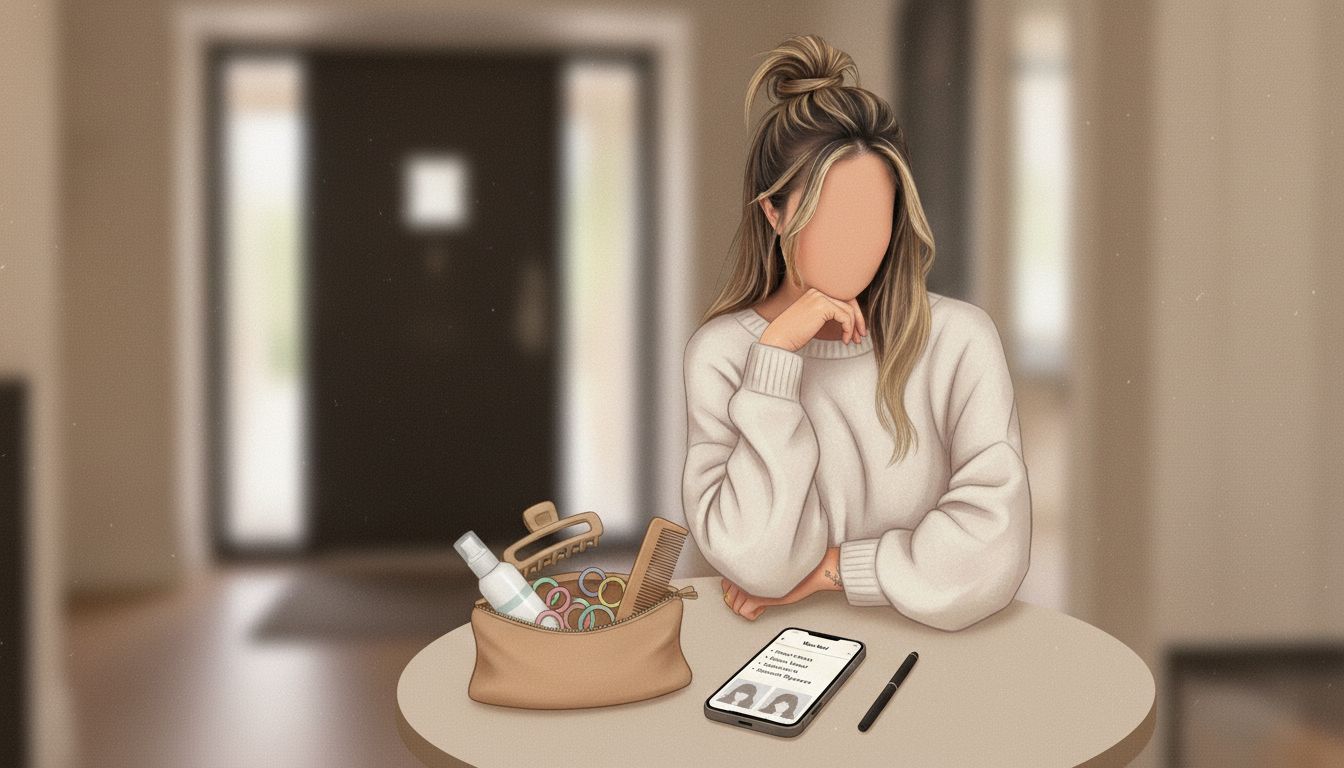
A good baseline library usually includes:
- One “no drama” option for high-stress seasons (polished, predictable, easy to maintain)
- One “soft upgrade” option when you want a change without a shock (layers, long curtain fringe, subtle shape)
- One “fun but still wearable” option for when you have time/energy to play (shorter length, stronger bang, more dramatic shape)
The point isn’t to limit you—it’s to remove the exhausting reinvention cycle. When you already know your 2–3 best silhouettes, each appointment becomes a simple choice: Which version of me am I supporting right now?
How to create your baseline looks using a virtual hairstyle try on
Open your saved “Hair” selfies and do a short, focused test round. Set a timer for 15 minutes so it doesn’t become a whole personality.
- Step 1: Pick three haircut categories you’re realistically willing to wear (example: long layers, collarbone lob, chin bob).
- Step 2: Try one variation inside each category (not ten). You’re looking for direction, not perfection.
- Step 3: Save only your top 3 images and label them: “Safe,” “Soft Change,” “Bold.”
If you’re using a general AI editor, keep your prompts consistent so comparisons are actually useful. For example:
- “Keep my face unchanged. Show a collarbone-length lob with soft internal layers, natural texture, realistic lighting.”
- “Keep my face unchanged. Show long layers with curtain bangs starting at cheekbones, blended naturally.”
- “Keep my face unchanged. Show chin-length bob, slightly longer in front, not overly sleek, realistic hair density.”
After you’ve done this once, future decisions get easier because you’re no longer asking, “What even suits me?” You’re just choosing between proven options.
A simple decision system for your next appointment (maintenance + season + change level)
When haircut choices feel weirdly emotional, it’s often because you’re trying to solve multiple problems with one decision: aesthetics, identity, practicality, and timing. A calm system separates those inputs.
1) Choose your maintenance tier (be honest, not aspirational)
Pick the tier that matches your actual mornings most days.
- Tier 1: Air-dry friendly (0–5 minutes). Best for travel, workouts, packed schedules.
- Tier 2: Light styling (5–12 minutes). A quick blow-dry pass or a bend with a tool.
- Tier 3: Style-required (12+ minutes). Looks best with heat tools, more upkeep, more trims.
Now use your try-on results to filter out anything that quietly demands Tier 3 energy when you live a Tier 1 life. That’s how you prevent the “cute in theory, chaos in practice” haircut.
2) Match the “season” you’re in (not just the weather)
This is the part most people skip, and it’s why changes can feel off even when they look objectively fine.
- High-output season (deadlines, big projects, life admin): choose stability—your “Safe” baseline.
- Reset season (new role, new routine, post-burnout rebuild): choose gentle change—your “Soft Change.”
- Expansion season (more social plans, more confidence, more bandwidth): choose the bolder option—your “Bold.”
Same face. Same hair. Different needs. Let your haircut support your capacity.
3) Decide your change level before you talk to your stylist
This is your simple yes/no filter:
- Shape change? (layers, bangs, overall silhouette)
- Length change? (more than 2 inches)
- Color change? (even “just a gloss” counts)
If you say yes to all three at once, you’re increasing uncertainty—and that’s where regret likes to hide. If you want calmer outcomes, change one main variable at a time.
Make your stylist collaboration effortless (a two-minute “hair brief”)
Walking in with 14 screenshots and no explanation is stressful for you and vague for them. A tiny “brief” makes you look confident and makes their job easier—which usually means better hair.
Your copy-and-paste hair brief
Send this by text or bring it in your notes app:
- My goal: “I want to feel more polished but still low-maintenance.”
- My reality: “I air-dry most days. I’ll style 1–2x/week max.”
- What I like: “Collarbone length, soft movement, face-framing that starts at cheekbones.”
- What I don’t want: “No heavy blunt bang. No super-thinned ends.”
- Try-on images: “Here are my top 2 references—can we adapt them to my texture and growth pattern?”
This keeps the appointment grounded in real-life constraints, not Pinterest fantasy. Your stylist can still be creative—just within boundaries that protect your peace.
A quick “reality check” list before you commit
If you want to avoid the classic regret traps, ask these three questions out loud:
- “How will this grow out in 6–8 weeks?”
- “What’s the minimum styling required for it to look intentional?”
- “What will be the annoying part of this cut?” (Every cut has one. Knowing it upfront is oddly calming.)
Use try-ons for the “after” plan too (so the haircut stays calm)
Most mental load isn’t the decision—it’s the maintenance you didn’t plan for. You can use a virtual hairstyle try on to pre-decide how you’ll wear your hair on regular days, not just “first day out of the salon” days.
Create three default styles: Work / Off-duty / Elevated
Pick looks that match your routine and save them in your “Salon References” album.
- Work: a clean half-up, a low bun, or a simple wave pattern you can repeat
- Off-duty: air-dry texture, claw-clip twist, or a braid that doesn’t require perfection
- Elevated: the one you do for dinners, dates, events, photos
Why this helps: you’re no longer inventing a hairstyle at 7:52 a.m. You’re choosing from presets.
Pack a “hair friction” kit (tiny, boring, life-changing)
This isn’t about buying a hundred products. It’s about removing the one small obstacle that makes you feel messy or behind.
- 2 hair ties that don’t snag
- 1 claw clip you actually like
- a mini dry shampoo or powder (for emergency resets)
- a travel brush/comb
Keep one set at home and one in your bag/car. It’s a quiet way to reduce the background stress of “I hate my hair today.”
Small decisions get lighter when you turn them into simple systems.
Conclusion: calmer hair decisions = quieter days
The goal isn’t to use tech to chase some perfect, unchanging version of you. It’s to stop spending precious mental energy on avoidable guessing.
When you build baseline looks, choose your maintenance tier honestly, and bring a clear little “hair brief” to your stylist, you’re not just getting a better cut—you’re building a calmer routine. You’re protecting your confidence, your time, and your bandwidth for the things that actually matter.
You can absolutely try something new. Just preview it first, decide from a grounded place, and let your systems hold you when life is full. That’s the calm-living win: smart support, less mental noise, and choices that feel like you.

Leave a Reply